 Workpiece
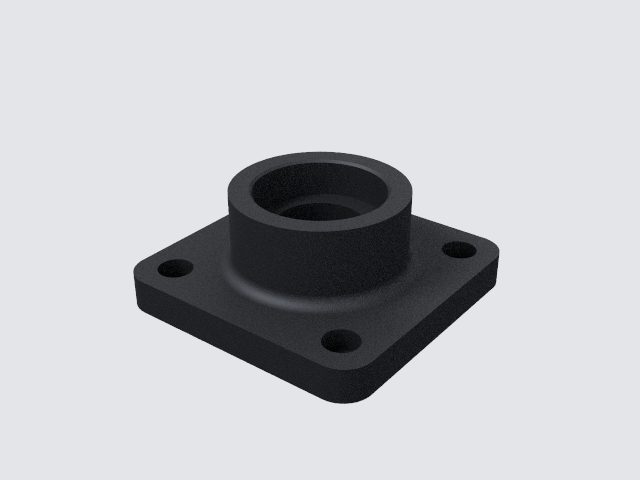
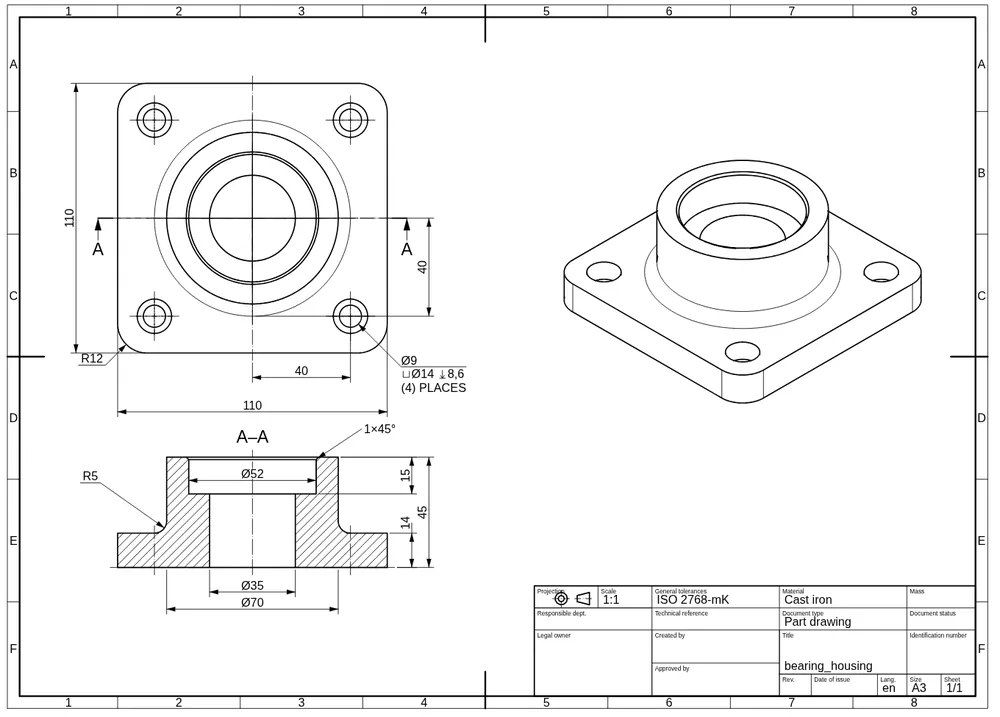
Flanged bearing housing
A turned hub on a square flange: a revolved profile dimensioned by diameters about its drawn axis, counterbored holes for M8 cap screws in a circular pattern, fillets and a section through the bore.
An open-source CAD kernel and desktop app, written in Rust: parametric modelling, a constraint sketcher, assemblies, ISO drawings and scripting.
Early prototype: the part file format and the APIs are not stable. Free, MIT or Apache-2.0. Nothing is uploaded: files you open stay in your browser. The first start downloads the program (about 20 MB before compression).
The script that builds the part also lays out its sheet: projected and section views, dimensions with tolerances, datums, surface texture and the title block. Change a dimension and the drawing follows.
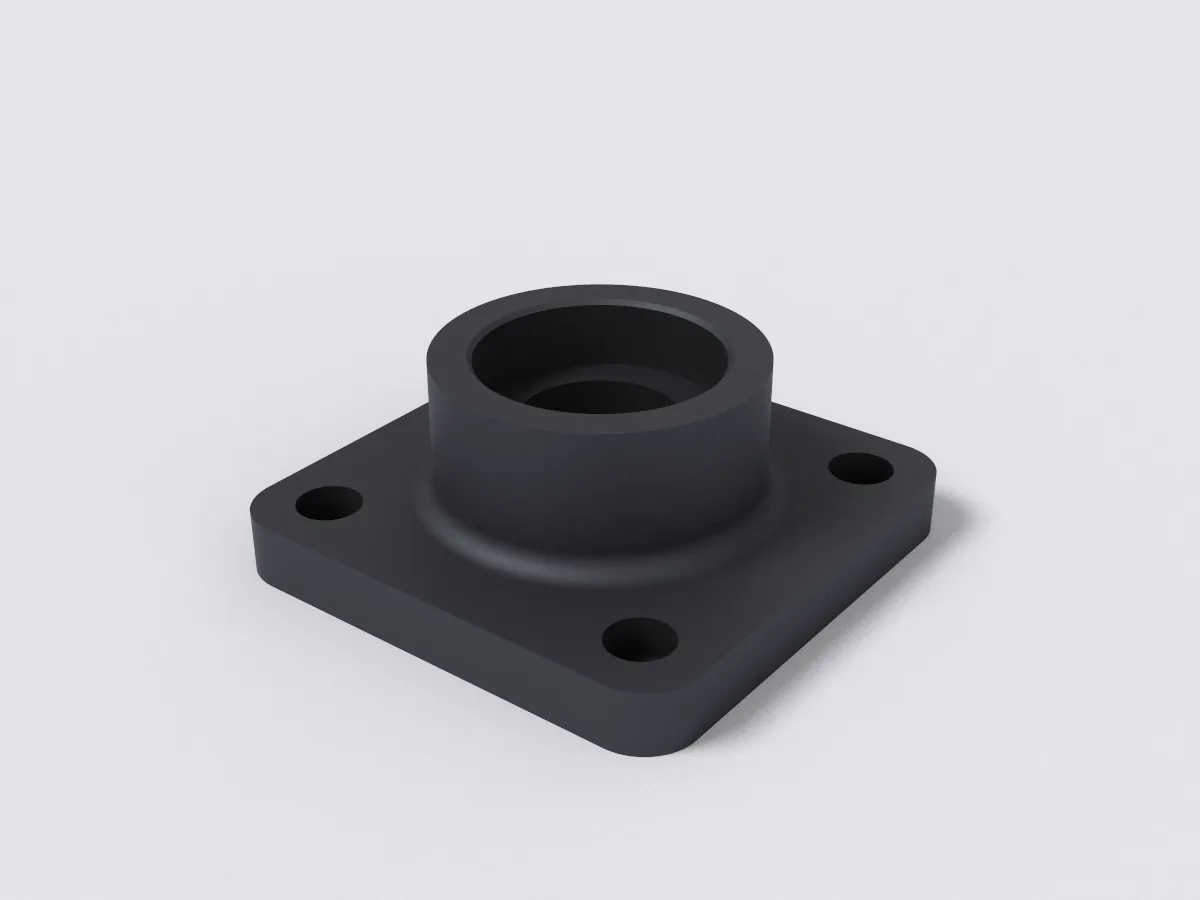
11 original parts and assemblies, each written as a Python script that also draws its sheets. Click a part to open it in the web app, already built, or a sheet to see it full size; the examples page shows the sheets larger.
The web app needs a desktop browser. On this screen a part's picture opens its drawing sheet instead.
A turned hub on a square flange: a revolved profile dimensioned by diameters about its drawn axis, counterbored holes for M8 cap screws in a circular pattern, fillets and a section through the bore.
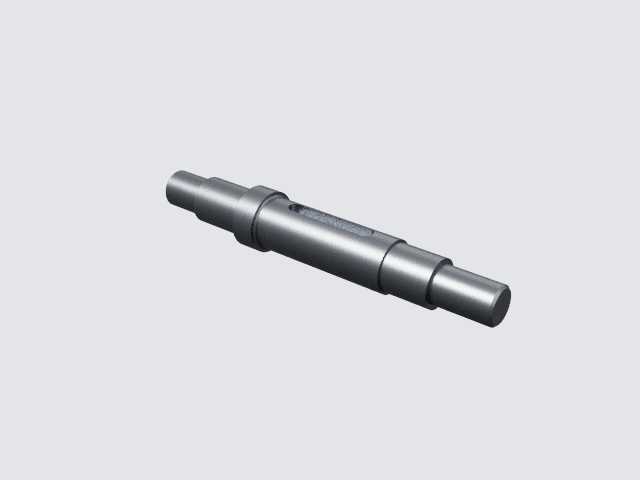
Six diameters on one revolved profile, chained lengths, an M16 cosmetic thread, a keyway cut down to a datum plane and shown in a section, chamfers and corner rounds; drawn at 2:1.
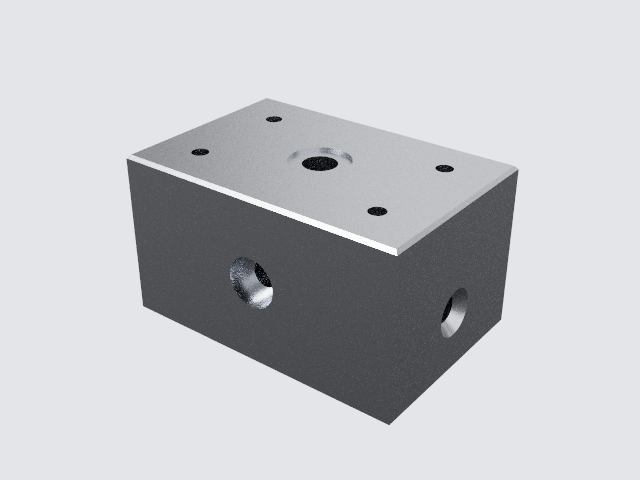
Drilled ports that meet inside an aluminium block: a spot-faced pressure port, a counterbored and a countersunk side port, four tapped M6 holes, and two sections that show the bores meet.
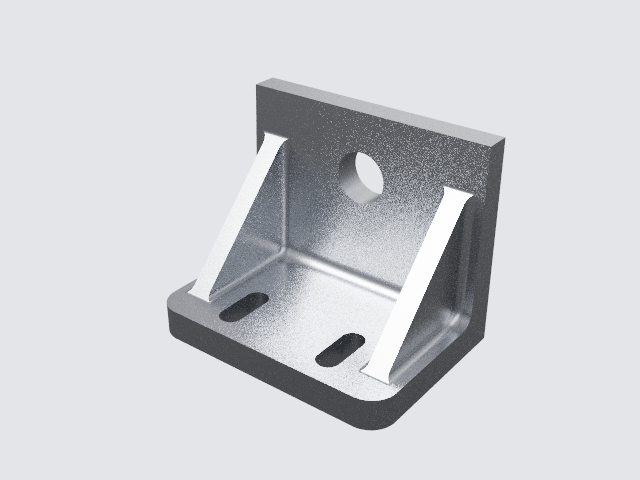
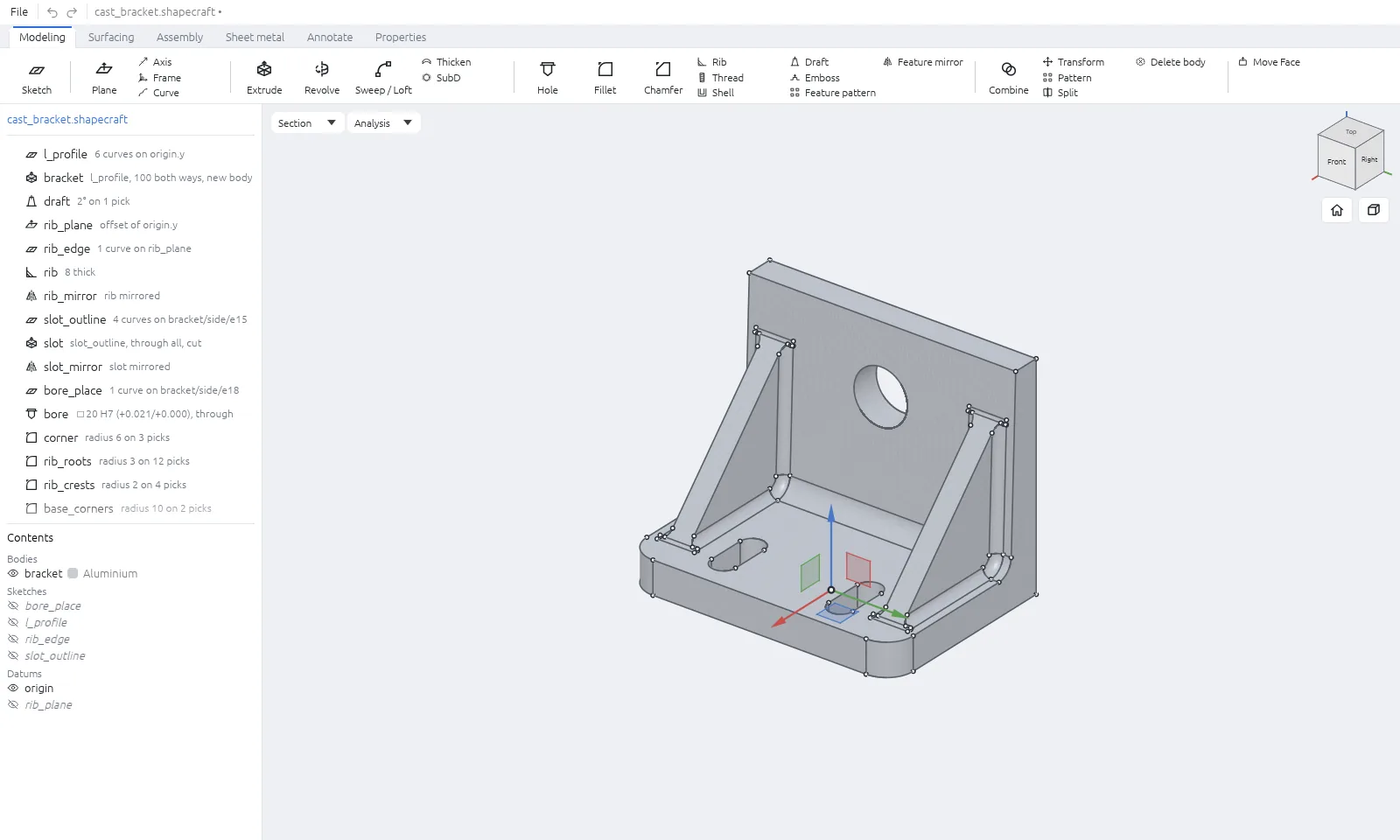
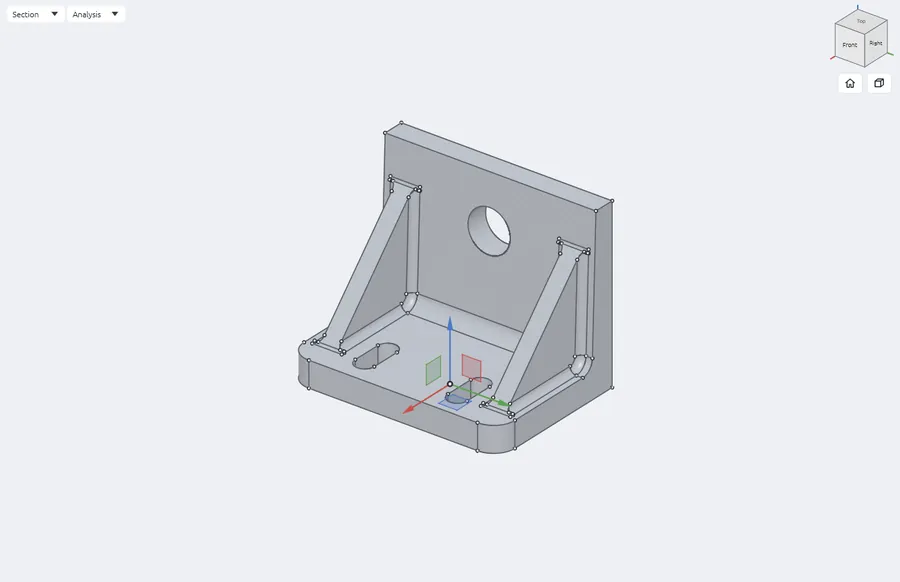
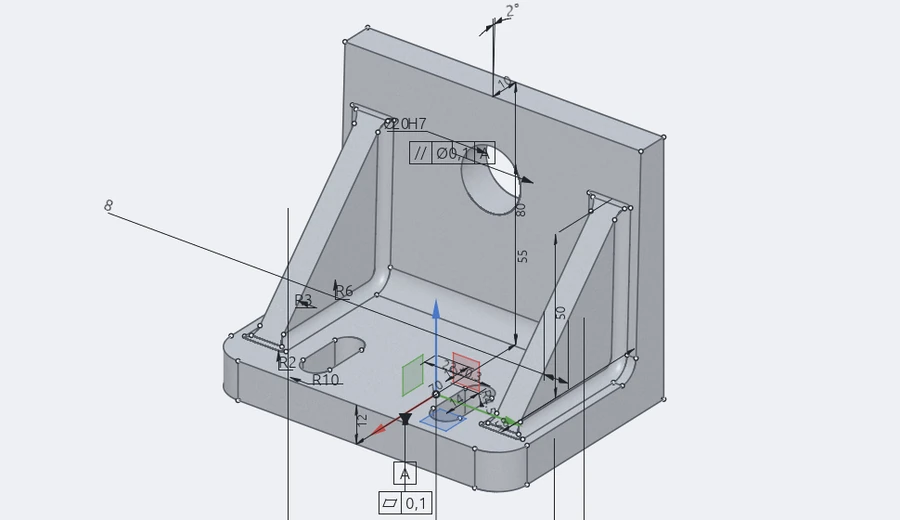
An L profile extruded both ways, a 2° casting draft, a rib and mounting slots each made once and mirrored, an H7 bore, and fillets on every inside corner.
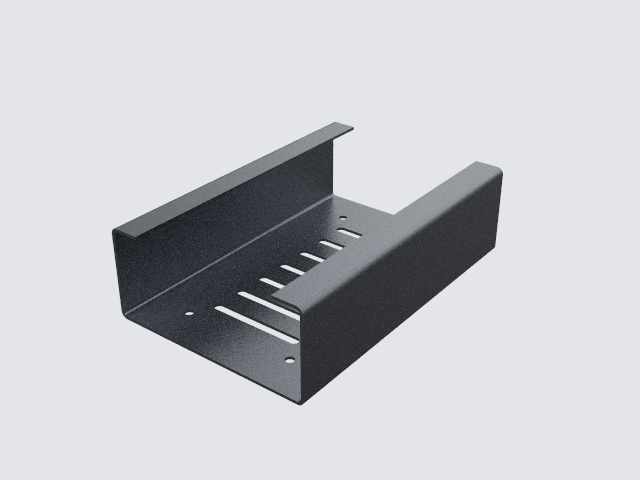
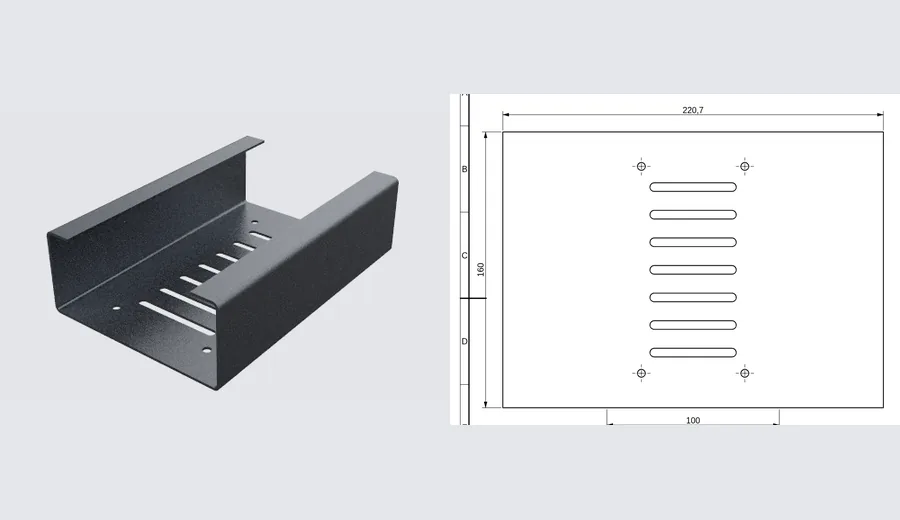
Driven by named values you can change on the command line: a base with flanges and inward lips bent along its edges, a row of vent slots, mounting holes, and its flat pattern on a sheet of its own.
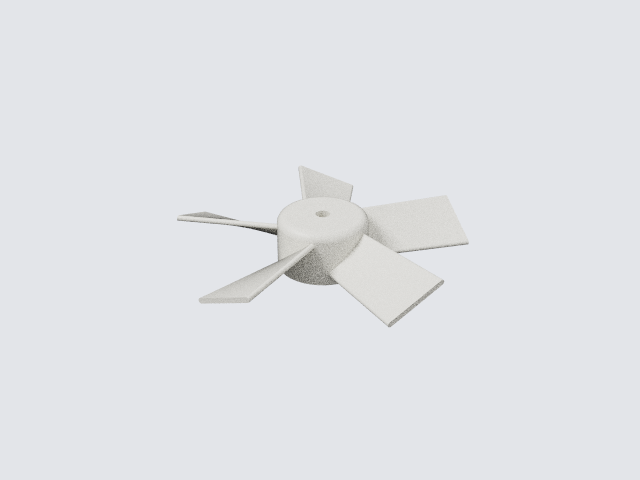
A turned hub and five twisted blades: one blade lofted from a root section to a tip section, each pitched at its own angle, and a circular feature pattern; a section shows the tip's pitch.
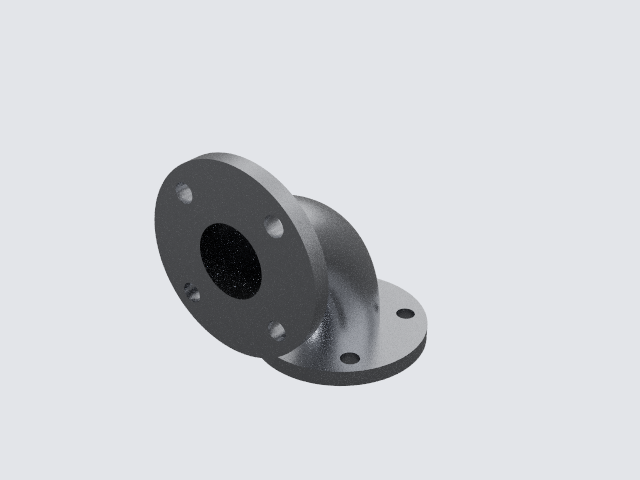
A tube swept along a bend, a flange with four bolt holes, and the flange with its holes mirrored onto the other end in the plane that halves the bend.
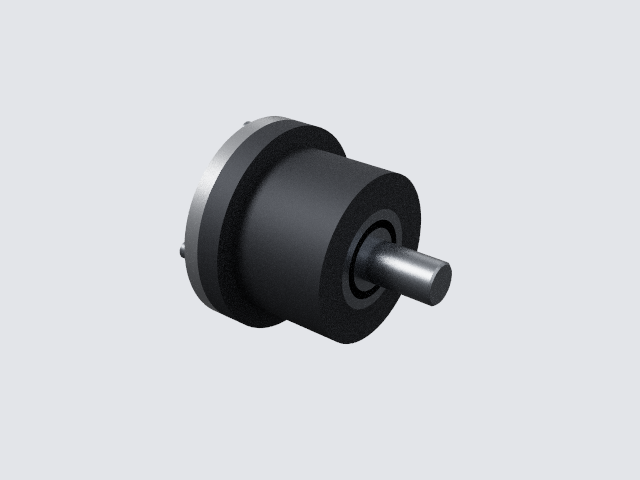
A housing, a shaft turning in two catalogue 6204 bearings, a cover held by four catalogue M5 cap screws: joints, a part pattern, a section through the axis, a parts list and balloons.
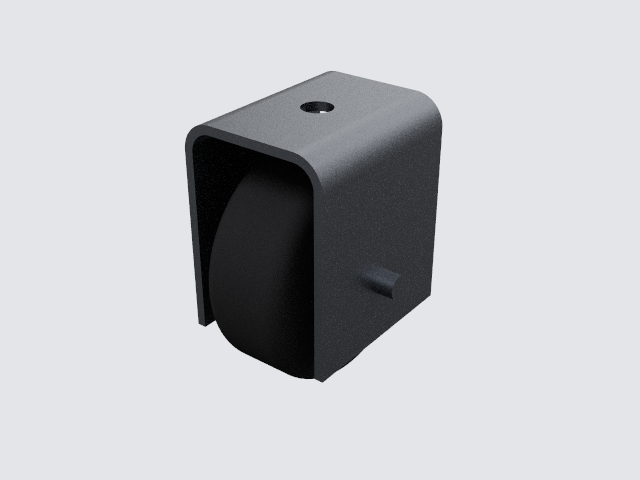
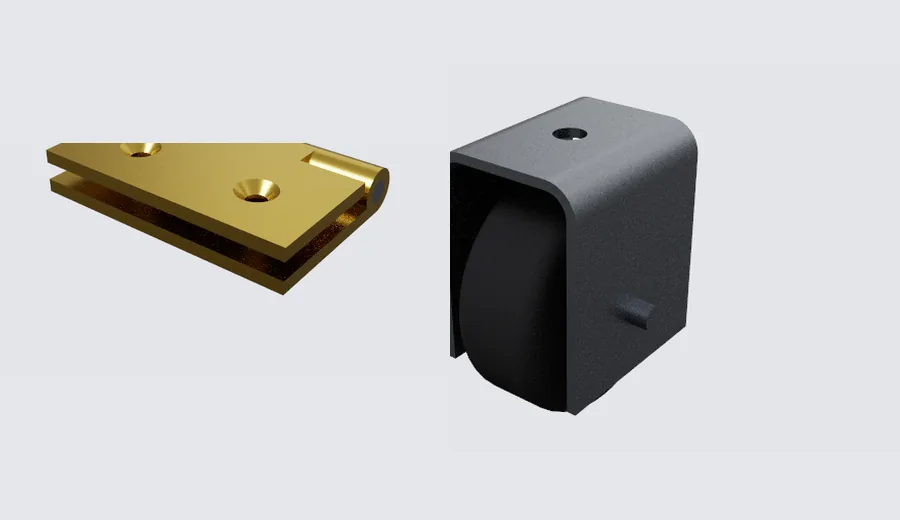
A shelled steel fork, a wheel of two bodies (aluminium hub, rubber tyre) each weighing by its own material, and an axle pin; the wheel turns on a revolute joint.
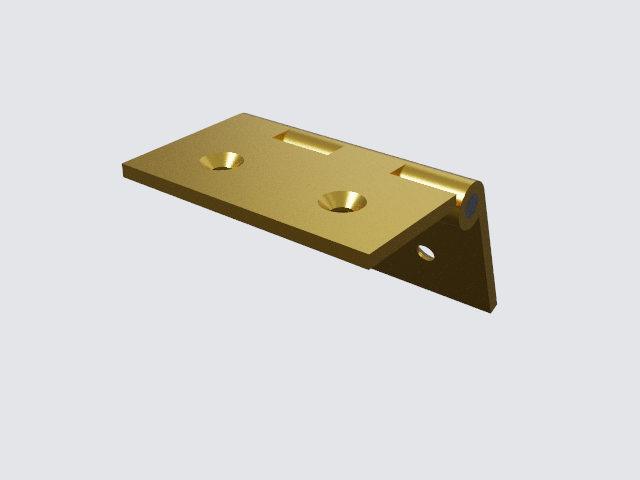
One brass leaf part placed twice, the second turned end for end so the knuckles interleave, a steel pin, and a revolute joint driven open to 110°; knuckles, reliefs and countersunk holes are each one feature and a pattern.
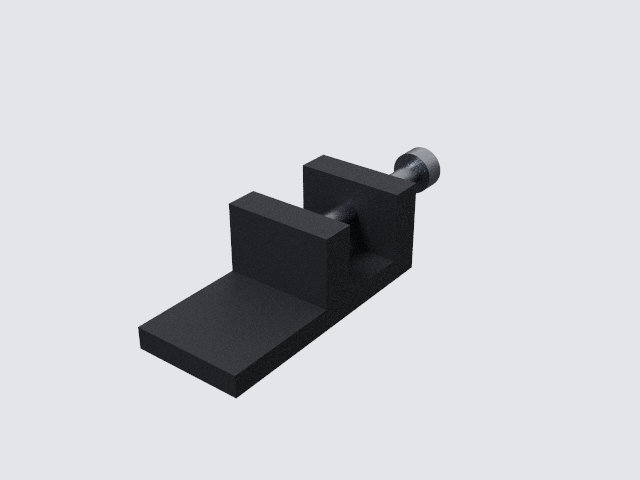
A cast body and moving jaw and an M12 screw: the jaw slides on the body, the screw turns in it, and a Drive step opens the vise to a width; built open and nearly shut, its section draws the screw whole.
A part is a list of steps that the program applies in order. The tabs of the app group them; Ribbon.md lists per feature what is built and what is not yet.
from workpiece import Part

p = Part()
s = p.sketch("XY")
r = s.rect("a", 0, 0, 60, 40)
s.coincident(r.points[0], s.origin)
s.distance_u(r.points[0], r.points[1], 60)
s.distance_v(r.points[1], r.points[2], 40)
p.extrude(s, 10)
p.build("plate.wpc")
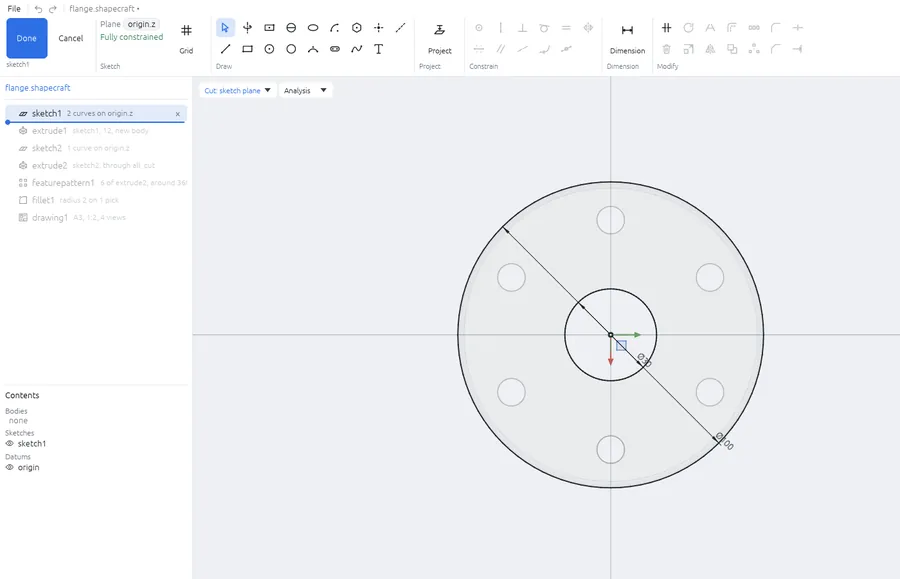
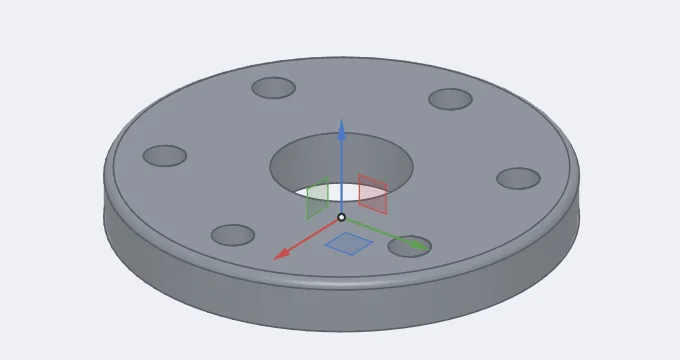
examples/build_all.py --check.The part below is made by this script: a dimensioned disc with a bore, a bolt hole patterned six times, a rounded rim, and a drawing. Every sketch is constrained, so the dimensions are the geometry.
"""A flange: a dimensioned disc with a bore, one bolt hole patterned six times, a rounded rim."""
import math
from workpiece import Part, profile, axis

out = "flange.wpc"
p = Part(material="Steel")

# The disc with its bore: two circles on the origin, each with its diameter.
s = p.sketch("XY", show_in="top")
outer = s.circle(s.origin, 45)
bore = s.circle(s.origin, 12)
s.diameter(outer, 100)
s.diameter(bore, 30)
disc = p.extrude(s, 12, combine="NewBody")

# One bolt hole on the pitch circle, placed by its dimensions.
h = p.sketch("XY", show_in="top")
c = h.point(36, 0.5)
h.horizontal(h.origin, c)
h.distance(h.origin, c, 37.5)
hole = h.circle(c, 4)
h.diameter(hole, 9)
first = p.cut(h, through=True)

report = p.build(out)
# ...patterned six times about z, by the hole's own wall.
wall = report.faces(near=(37.5, 0, 6), where=lambda f: not f["flat"])
p.op("Pattern", along="Circle", count=6, angle=360.0, axis=axis("Z"),
     features=[{"Topology": wall[0]}])
report = p.build(out)
# The outer top rim, rounded.
rim = report.edges(where=lambda e: not e["straight"] and abs(e["middle"][2] - 12) < 1e-6
                   and abs(math.hypot(*e["middle"][:2]) - 50) < 1e-6)
p.fillet(rim, 2)
# A sheet with the usual views and every dimension of the sketches on it.
p.drawing(scale=(1, 2))
report = p.build(out, render=True)
print("volume", report.volume)  # mm^3
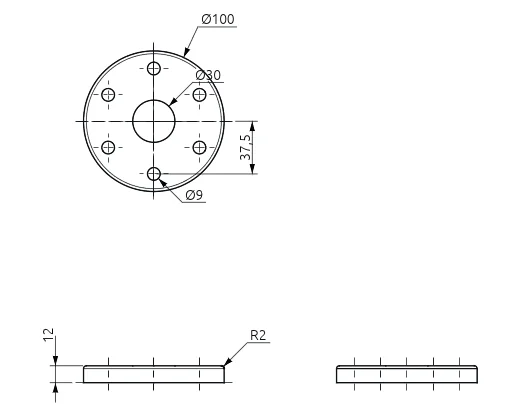
The script is agent/examples/flange.py without its checkout-only path line. The scripting chapter has the rest; the examples above are longer scripts.
# both coming with the first release
pip install workpiece
python -m workpiece flange.wpc # opens the part in the desktop appMeasured with suites other people wrote or with public data. Every Workpiece number below is
self-scored: run by Workpiece’s authors, not by the suites’ maintainers.
The table is drawn from results.json when the site is built.
Cases passed at 1e-7 mm in brep-conformance, suite 2.0.1, best first (by the share of cases passed, ties by the number passed). The other rows are the maintainers' reports of 2026-11-23 (all 3650 cases, each run by them on one machine); Workpiece's row was run here, self-scored, on the same 3650 cases, the NIST files included.
| Kernel | Version | Licence | booleans 1253 | constructions 448 | queries 320 | modify 612 | fillets 627 | chamfers 171 | step 163 | parts 56 | all 3650 |
|---|---|---|---|---|---|---|---|---|---|---|---|
| springrep | 2.1.0 | MIT | 1253 | 448 | 320 | 612 | 627 | 171 | 163 | 56 | 3650 |
| Workpiece self-scored, run here 2026-11-26, 3650 cases | 0.1.0 | MIT OR Apache-2.0 | 1253 | 448 | 320 | 612 | 627 | 171 | 163 | 56 | 3650 |
| cadrs | 0.2.9 | MIT OR Apache-2.0 | 1253 | 448 | 320 | 612 | 627 | 171 | 161 | 56 | 3648 |
| kentron | 0.19.3 | AGPL-3.0-or-later AND BSD-3-Clause AND MIT | 1183 | 410 | 316 | 535 | 582 | 171 | 148 | 55 | 3400 |
| opencascade | 8.0.1.1.0 | LGPL-2.1-only WITH OCCT-exception-1.0 | 1192 | 279 | 270 | 421 | 418 | 171 | 142 | 40 | 2933 |
| next.BREP | 0.24.0 | LicenseRef-Autodrop3d | 995 | 300 | 60 | 344 | 343 | 129 | 140 | 34 | 2345 |
| arris | 0.10.0 | MIT OR Apache-2.0 | 962 | 223 | 213 | 184 | 328 | 115 | 128 | 29 | 2182 |
| cad-kernel | 0.17.0 | MIT OR Apache-2.0 | 1165 | 194 | 53 | 347 | 220 | 0 | 0 | 30 | 2009 |
| solidcore | 1.0.1 | Apache-2.0 | 958 | 267 | 60 | 54 | 359 | 0 | 0 | 29 | 1727 |
| anvil-brep | 0.2.0 | MIT OR Apache-2.0 | 811 | 128 | 0 | 184 | 118 | 96 | 0 | 9 | 1346 |
step-conformance: 27 STEP parts read and meshed at four tolerances, 108 cells; cells passed. Workpiece's row was run here on 2026-11-25; the other readers were run by the benchmark's maintainers on 2026-11-22.
| Reader | Version | shop parts 28 | freeform panel 4 | parts of known shape 76 | all 108 | Scored by |
|---|---|---|---|---|---|---|
| Workpiece | 450425c + uncommitted changes | 28 | 1 | 76 | 105 | Workpiece's port of the benchmark's rule (self); not the benchmark's own scorer |
| ogeom | 0.11.5 | 28 | 3 | 76 | 107 | benchmark maintainers |
| opencascade | opencascade-rs 0.3.0 with camcraft's patches, OCCT 7.8.1 | 28 | 1 | 76 | 105 | benchmark maintainers |
| solidcraft | c95c2bef4 | 28 | 1 | 76 | 105 | benchmark maintainers |
| solidcraft, through cadmpeg | c95c2bef4, cadmpeg 0.6.12 | 28 | 1 | 76 | 105 | benchmark maintainers |
| truck, master | 88ed005 | 23 | 0 | 68 | 91 | benchmark maintainers |
| truck, released | truck-stepio 0.3.0, truck-meshalgo 0.4.0 | 21 | 0 | 60 | 81 | benchmark maintainers |
| brepkit | 4.1.49 | 20 | 0 | 30 | 50 | benchmark maintainers |
inertia, betti, section_area and mesh, and no case was counted as unsupported for that.Method, machine, versions, sources, dates and every command to reproduce the numbers: the benchmarks page of the documentation (source). Last updated 2026-11-26.
There is no release yet; these buttons will point at the files of the first one. Until then, build from source (below) or try it in the browser. Release builds are made for all three systems; the authors have so far run the app on Linux only. An unsigned build may be stopped by Windows SmartScreen (More info, then Run anyway) or by macOS (right-click, Open).
pip install workpiece
python -m workpiece          # the desktop app
The wheel carries the workpiece command line and the desktop app; the import name is workpiece.
git clone https://github.com/geop-cad/Workpiece.git
cd Workpiece
cargo run --release -p workpiece-app
Needs Rust 1.95 or newer; the install page lists the system libraries on Linux.